
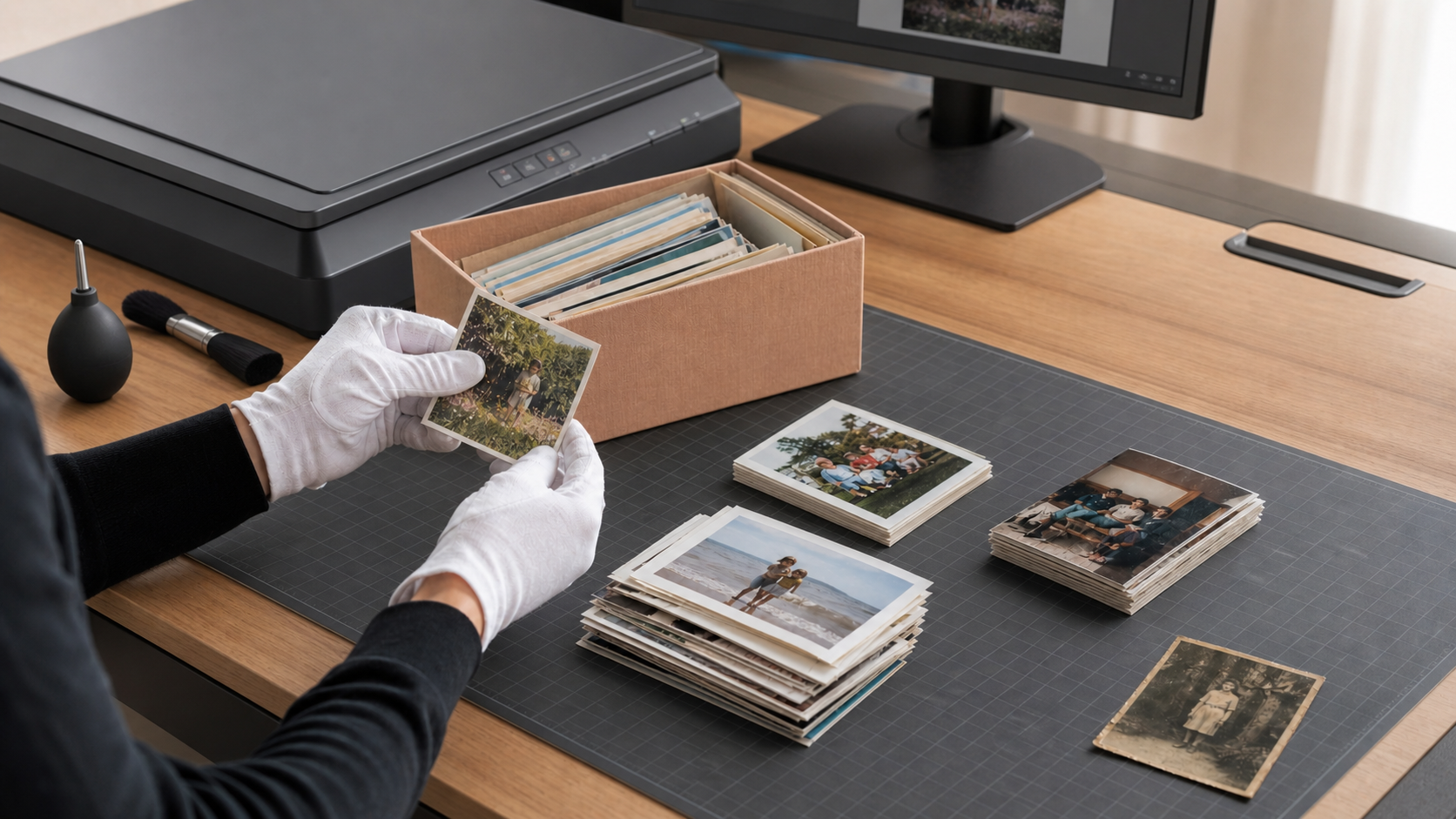
Boxes and albums of family photographs can contain decades of history. Digitising those prints makes them easier to view, copy, organise and share—but not every photograph should go through the same scanning process.
Pixels Plus offers two main approaches to photo scanning from its Crows Nest store: high-volume shoebox scanning and custom manual scanning. The right choice depends on the condition, format and importance of your photographs, as well as what you plan to do with the digital files.
This guide explains the difference so you can prepare your collection and choose the most suitable service.
What is shoebox scanning?
Shoebox scanning is designed to digitise large quantities of loose photographic prints efficiently. Prints are fed through a high-speed scanner rather than positioned and adjusted individually.
It is generally the best fit when you have:
- A large collection of loose prints
- Photos in good physical condition
- Common print sizes that can be grouped together
- Prints that lie reasonably flat
- Photos you want to view, share or reprint at approximately their original size
- A collection where affordability per image is important
Pixels Plus currently accepts suitable prints and documents from approximately 9 x 6 cm up to 20 x 30 cm or A4 through this service. Standard shoebox scans are made at 300 dpi from the original print size, with a 600 dpi option available.
The result is well suited to family archiving, email, social media, digital slideshows and making prints at the original size. Shoebox scanning is not intended to produce museum-grade archival files or extensive restoration work.
What is custom photo scanning?
Custom print scanning is a manual service for photographs that need individual handling, enhancement or a specific output size.
It is usually the better choice for:
- Torn, bent, curled or fragile photographs
- Badly faded or discoloured prints
- Older photographs that should not pass through an automatic feeder
- Polaroids and card-mounted prints
- Photos with adhesive, tabs or residue on the back
- Prints that cannot be safely removed from an album
- Individual photographs intended for large prints or canvas
- Images that may need digital restoration
Custom scanning allows the output size and resolution to be chosen for the intended use. Manual enhancement is included, making it more suitable when the condition or presentation of an important image needs careful attention.
Pixels Plus can scan originals up to 8 x 12 inches under its standard custom-scanning prices. Larger originals require a quote, and items beyond the scanner's maximum size may need to be photographed instead.
Shoebox scanning vs custom scanning
| Consideration | Shoebox scanning | Custom scanning |
|---|---|---|
| Best for | Large batches of loose, similar prints | Individual, fragile or difficult prints |
| Scanning method | High-speed automatic scanning | Manual scanning and handling |
| Print condition | Clean, flat and undamaged | Torn, faded, curled, mounted or delicate |
| Enhancement | General-purpose digitisation | Manual enhancement included |
| Typical use | Sharing, viewing and same-size reprints | Restoration, enlargements and important feature images |
| Albums | Prints must normally be removed | Album pages or attached prints may be assessed |
| Cost structure | Lower cost per image for volume | Higher cost per image for individual work |
You do not necessarily have to choose one method for the entire collection. A mixed order is often the most practical solution: suitable loose prints can be bulk scanned, while fragile or significant photographs are separated for manual scanning.
Which photos should not go through a shoebox scanner?
Automatic scanning relies on prints moving safely through the equipment. Pixels Plus advises against using the high-speed service for:
- Torn, creased, badly bent or fragile prints
- Prints from the 1960s or earlier
- Polaroids
- Carded or mounted photographs
- Photos with sticky material on the back
- Prints removed from magnetic or “sticky page” albums
- Photos that cannot lie reasonably flat
These photographs may still be scannable, but they need to be assessed for manual handling. Do not force an old photograph flat, peel it from an album or remove adhesive if doing so could damage the image.
Is 300 dpi enough for old photographs?
Resolution should be chosen according to the intended result rather than simply selecting the largest number available.
For a standard print that will be viewed on screen, shared online or printed again at roughly its original size, a 300 dpi scan is often practical. Pixels Plus uses 300 dpi as the standard resolution for shoebox scanning.
A higher-resolution scan can be useful when you intend to:
- Enlarge the image beyond its original print size
- Crop a small person or detail from the photograph
- Carry out detailed restoration work
- Preserve a particularly important image with more editing flexibility
Pixels Plus offers 600 dpi shoebox scans and higher-resolution custom scans for larger final output sizes. However, extra resolution cannot recover detail that is not present in the original print. A small, blurred or heavily faded photograph will still be limited by the source image.
How to prepare photos for scanning
A little organisation before drop-off can make the finished collection easier to use.
- Separate suitable and delicate prints. Put damaged, fragile, mounted, sticky or unusually old photographs aside for assessment.
- Group photos by size. Keep prints of the same dimensions together for shoebox scanning.
- Put them in the correct order. Arrange photographs in the sequence you would like them scanned.
- Orient the images consistently. Place landscape images upright and portrait images as advised on the Pixels Plus ordering checklist.
- Use paper dividers. Label dividers with names such as
Europe 1990orMum's Childhoodso albums and events remain identifiable. - Remove loose dust carefully. Use a clean, soft photographic blower if necessary, but avoid household cleaners and liquids.
- Write notes separately. Do not write on the image surface or attach sticky notes directly to old prints.
If a photograph is stuck in an album, ask before removing it. In some cases it is safer to scan the individual image in place or scan the complete album page.
What should you do with the files after scanning?
Digitisation is only the first step. Once the scans are returned, create a simple structure while the people, places and dates can still be identified.
Use descriptive folders such as:
1950s - Grandparents1987 - Family Holiday1994 - School and SportUnidentified - Ask Family
Keep more than one copy of the collection. A sensible approach is to retain a working copy on your computer, a backup on a separate drive and another copy in a different location or reputable cloud service.
JPEG files are convenient for viewing and sharing. If custom high-resolution or restoration work is involved, ask which file format best suits your intended use.
Frequently asked questions
Do photos need to be removed from albums?
Loose photos must be removed for shoebox scanning and must not have glue, tape, tabs or other sticky material on them. Photos that cannot be safely removed may be suitable for manual scanning, subject to their size and condition.
Can faded or damaged photographs be scanned?
Yes. Faded, torn, discoloured and damaged photographs are generally better suited to custom scanning. If substantial repair is needed, Pixels Plus also offers a separate photo-restoration service.
Can shoebox and custom scanning be combined?
Yes. Separating a collection into a bulk-scanning group and a manual-scanning group is often the safest and most economical approach.
Can small photographs be scanned?
Pixels Plus lists wallet-size prints of approximately 2.5 x 3.5 inches as the smallest size for its shoebox service. Smaller photographs may need to be manually scanned.
How long does photo scanning take?
The current shoebox-scanning page advises that many orders are completed within approximately one week, depending on volume and any additional products requested. Confirm the current turnaround when ordering, especially if the scans are needed for a birthday, memorial or other event.
Will scanning damage the original photographs?
Suitable flat prints can pass through the high-speed system, but fragile or damaged photographs should not. Pixels Plus can assess questionable prints and recommend manual scanning where individual handling is safer.
Choose the right scan for every photograph
Shoebox scanning is an efficient way to digitise hundreds or thousands of suitable family prints. Custom scanning provides the individual attention needed for delicate photographs, restoration projects and images intended for enlargement.
Pixels Plus has operated in Crows Nest since 1990 and offers both services for customers in Sydney, the Lower North Shore and beyond.
View the Pixels Plus shoebox scanning service, learn about custom print scanning, visit 45 Willoughby Road, Crows Nest NSW 2065, or call (02) 9437 4247 to discuss your photographs.